Login with Bitbucket
To enable Bitbucket Auth for your project, you need to set up a BitBucket OAuth application and add the application credentials to your Supabase Dashboard.
Overview#
Setting up Bitbucket logins for your application consists of 3 parts:
- Create and configure a Bitbucket OAuth Consumer on Bitbucket
- Add your Bitbucket OAuth Consumer keys to your Supabase Project
- Add the login code to your Supabase JS Client App
Access your Bitbucket account#
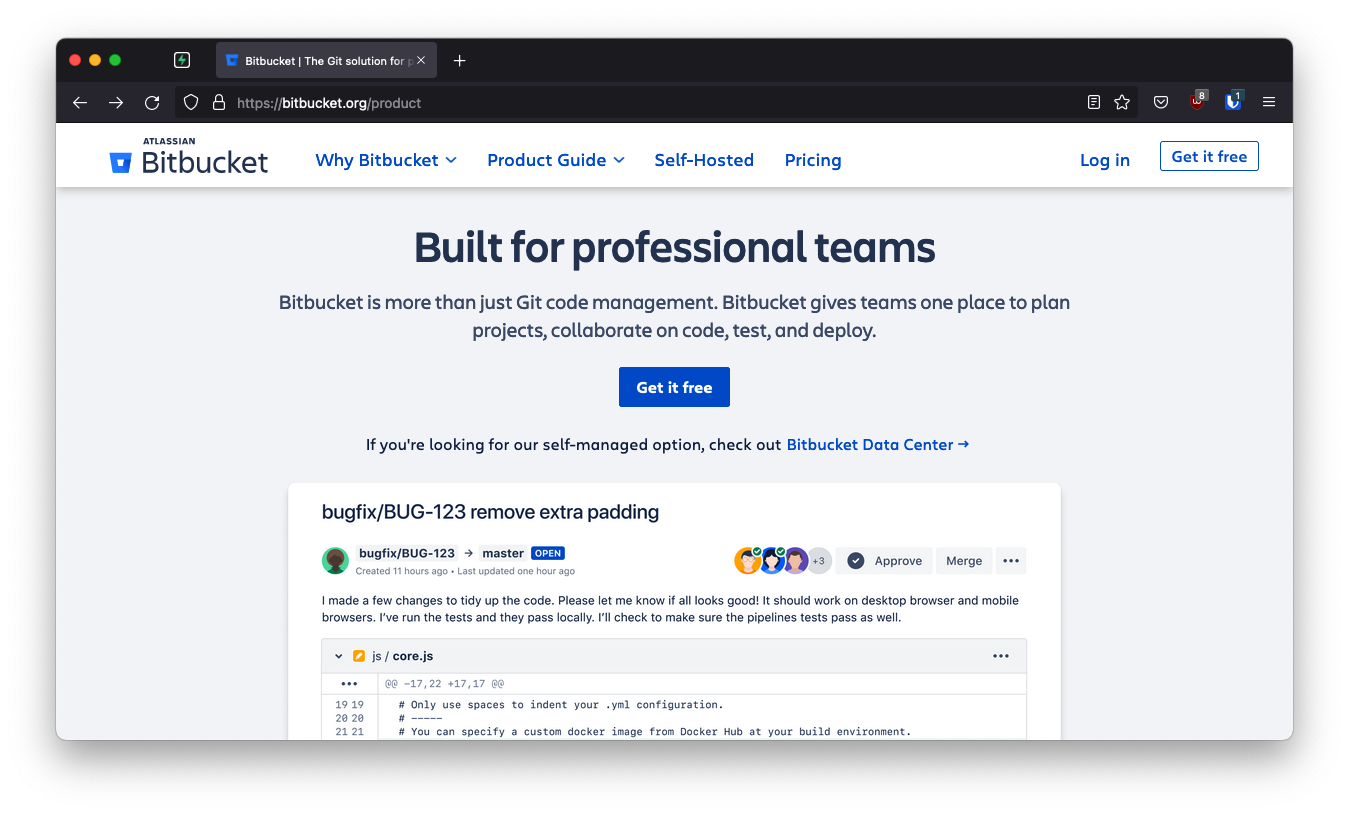
- Go to bitbucket.org.
- Click on
Loginat the top right to log in.
Find your callback URL#
The next step requires a callback URL, which looks like this:
https://<project-ref>.supabase.co/auth/v1/callback
- Go to your Supabase Project Dashboard.
- Click on the
Settingsicon at the bottom of the left sidebar. - Click on
APIin the list. - Under Config / URL you'll find your API URL, you can click
Copyto copy it to the clipboard. - Now just add
/auth/v1/callbackto the end of that to get your fullOAuth Redirect URI.
Create a Bitbucket OAuth app#
- Click on your profile icon at the bottom left
- Click on
All Workspaces - Select a workspace and click on it to select it
- Click on
Settingson the left - Click on
OAuth consumerson the left underApps and Features(near the bottom) - Click
Add Consumerat the top - Enter the name of your app under
Name - In
Callback URL, type the callback URL of your app - Check the permissions you need (Email, Read should be enough)
- Click
Saveat the bottom - Click on your app name (the name of your new OAuth Consumer)
- Copy your
Key(client_key) andSecret(client_secret) codes
Add your Bitbucket credentials into your Supabase Project#
- Go to your Supabase Project Dashboard
- In the left sidebar, click the
Authenticationicon (near the top) - Click
Settingsfrom the list to go to theAuthentication Settingspage - Enter the final (hosted) URL of your app under
Site URL(this is important) - Under
External OAuth ProvidersturnBitbucket Enabledto ON - Enter your
client_idandclient_secretsaved in the previous step - Click
Save
Add login code to your client app#
When your user signs in, call signInWithOAuth() with bitbucket as the provider:
1async function signInWithBitbucket() {
2  const { data, error } = await supabase.auth.signInWithOAuth({
3    provider: 'bitbucket',
4  })
5}
When your user signs out, call signOut() to remove them from the browser session and any objects from localStorage:
1async function signout() {
2  const { error } = await supabase.auth.signOut()
3}